
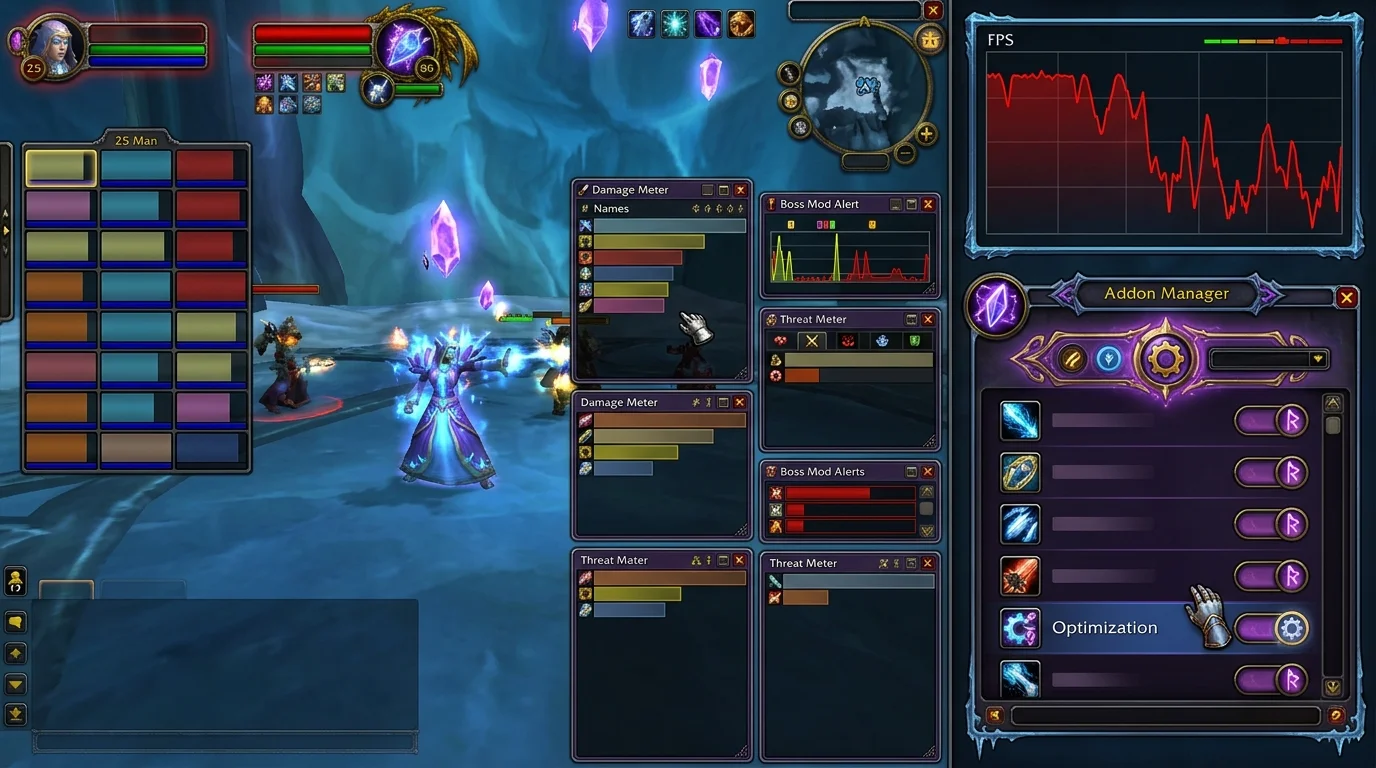
Addons that hurt FPS the most in WotLK (and how to tweak them without losing utility)
Good addon can become a bottleneck
In WotLK, addons are essential for quality of life and combat reading. The problem appears when you accumulate too many modules without filtering performance cost.
Common result:
- FPS falls in large pull
- stutter when updating combat
- interface "chokes" at critical moments
It's not about playing without an addon. It's about using addon with priority.
Top-weighting addon types
1) Meters with long history
The more data accumulated in real time, the greater the impact.
2) Very custom UI packs
Extra skins and modules may weigh more than necessary.
3) Addons with constant scanning
Some scan frequently and increase interface load.
4) Redundant modules
Two addons solving the same thing double the cost without doubling the benefit.
5) Old maintenance-free addons
In 3.3.5a, incompatible version generates error and loss of performance.
How to adjust without losing utility
Step 1: Sort by importance
- required: boss mod, bar, unit frame
- useful: map, bag, quality of life
- optional: pure cosmetic
Step 2: Remove redundancy
Choose one addon per main function.
Step 3: Disable heavy modules
Many addons allow you to turn off parts you don't use.
Step 4: Block test
Activate/deactivate in groups and compare in real combat.
Signs that a specific addon is weighing
- sudden drop when opening specific panel
- stutter when updating logs/meter
- recurring Lua error in the same context
- immediate improvement by disabling the suspicious addon
In these cases, change version, simplify configuration, or replace the addon.
Efficient minimum setup
For most players:
- boss mod
- organized bars
- clean unit frame
- light meter
- 1 or 2 quality of life utilities
With this you keep critical information without clogging the customer.
Common mistakes of those trying to optimize
1) Delete all addons
You lose important utility and don't learn what you really weigh.
2) Judge only in city
The truth comes out in eventful combat.
3) Update all at once
It is difficult to find the guilty addon.
4) Ignore conflict between addons
Sometimes two isolated addons are lightweight, but together they cause trouble.
Final checklist
Before consolidating your setup:
- removed redundant addons
- I kept only the essentials for my content
- tested in real combat scenario
- I identified addon that causes SPF drop
- made UI functional and light
With this filter, your interface remains useful and your performance is stable where it really matters.
Posts Recomendados
Essential addons for WotLK: what to install before playing
WotLK vanilla has the least user-friendly interface out there. With these addons you can recover information that the game hides, play better and die less.
How to find out which addon is causing an error
Addon conflict breaks UI, drops FPS and creates strange bugs. This guide shows the safest way to isolate the problem without messing it up all at once.
Essential Macros Every WotLK Player Should Have
Essential macros don't play for you, but they cut errors, speed up reactions and clean up your interface. See the most useful ones for any WotLK player.
How to create macros in WotLK the right way (without breaking your rotation)
Creating WotLK macros the right way simplifies execution; bad macros mess up targets, lock priorities and break your rotation. Learn the logic first.