
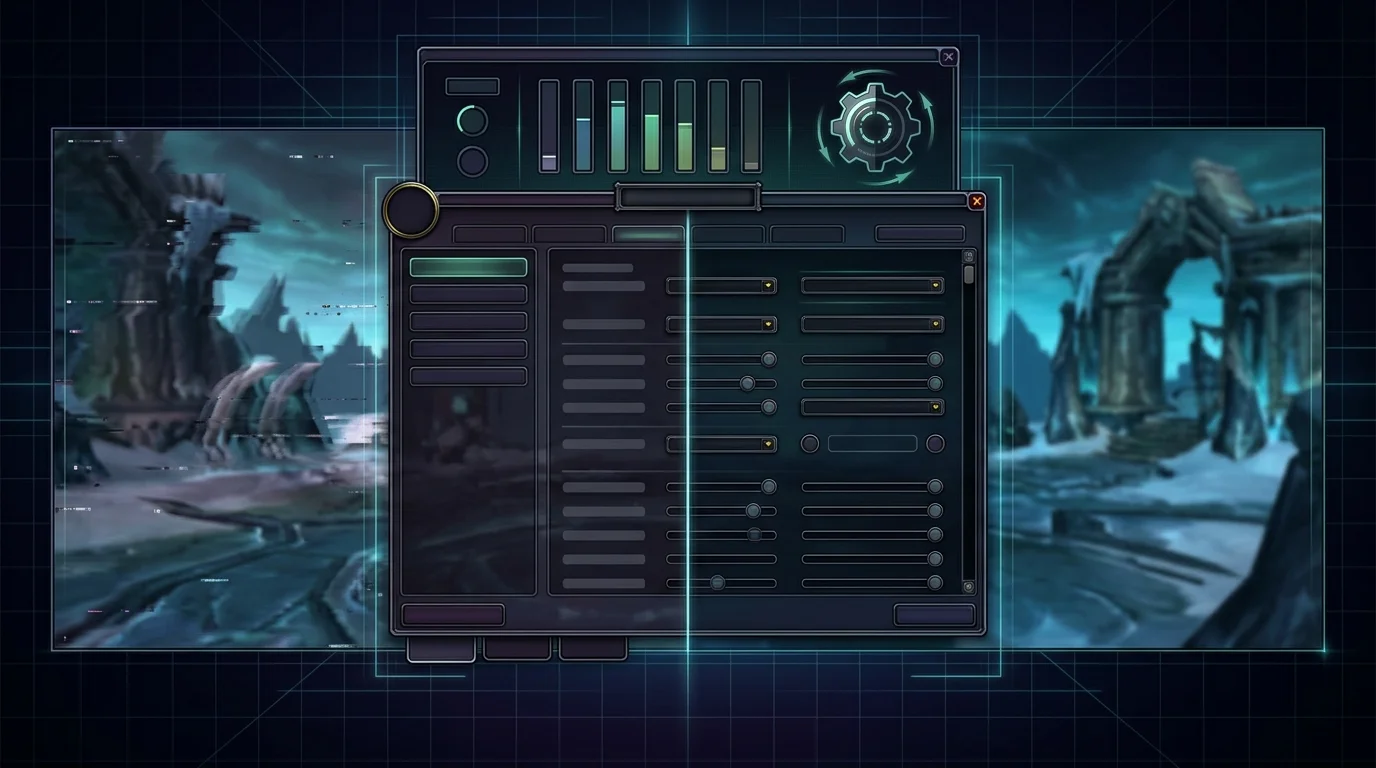
Low FPS in 3.3.5a is always a “weak PC”?
Not always. Sometimes it's limited hardware, but often the FPS plummets due to a combination of:
- bad configuration
- heavy addon
- CPU bottleneck
- messed up driver or system
- poorly done test that mixes FPS, stutter and lag
Blizzard's own community and official support reinforce an important point: WoW relies heavily on the CPU in heavy scenarios, especially raids and moments with many effects. In recent official forums, players experiencing a severe drop in FPS in raids were advised to look specifically at the CPU, optional graphics resources and other local bottlenecks.
Graphic adjustments with better impact per cost
If the objective is to gain FPS without destroying the image, change what weighs the most first.
Adjustment priority
- shadows
- distance/quality of effects
- clutter and visual density
- SSAO/equivalent optional effects
- particles and spell density, when available
The pattern is simple: in WoW, certain effects weigh a lot more than they appear to.
What would I reduce first
- shadows
- density of effects
- heavy optional graphics features
- filters that barely change the reading of the fight
This usually returns FPS much faster than fiddling with silly details.
System settings that help the most
1. Updated video driver
Old driver messes up stability.
2. Power plan in performance mode
Avoid aggressive saving behavior that lowers frequency.
3. Close overlay and useless app
Discord overlay, browser full of tabs, recorder, dropped launcher, RGB monitor — all of these can add up to noise.
4. Check temperature and clock
Cyclical FPS drop is often not “game”. It's thermal throttling.
5. Test addon and UI
Sometimes “bad FPS” is a heavy interface or conflicting addon.
How to test real gains without guessing
The most common mistake is changing five things at once and then not knowing what helped.
Right method:
- Choose an equal test place
- write down FPS beforehand
- change just one thing
- Test again
- Keep what really helped
Good scenarios to compare
- same city
- same dungeon/raid
- same pull or same area with many players
Without a method, you just collect impressions.
Common optimization errors that worsen FPS
1. Touching everything at once
2. Confusing network lag with FPS
3. Thinking that “Ultra = better” even on a PC at the limit
4. Ignore the CPU and just look at the video card
5. Filling the addon UI and then blaming the customer
6. Use random internet tweak without testing
Performance checklist for weak PC
Before deciding that “there is no solution”, review:
- low shadows?
- Heavy optional effects reduced?
- Essential addons only?
- Closed overlays?
- Updated video driver?
- Adjusted power plan?
- test by scenario done with method?
- CPU/GPU temperature and usage under control?
This already solves many situations without an upgrade.
Minimum recommendation
If 3.3.5a has low FPS:
- reduce shadows and heavy effects first
- Close overlays and system noise
- Test one change at a time
- check if the problem is CPU, addon or graphics
- don't confuse bad FPS with latency
The best optimization is the one that measures results, not the one that seems like a “secret tip”.
Posts Recomendados
High latency in WotLK: complete checklist to reduce lag
High ping and intermittent lag ruin dungeons, raids and arenas. Use this checklist to separate network, client and route issues and cut latency.
Did an addon break your interface? How to diagnose and fix it fast
Addon broke your interface? A simple method to isolate conflicts, clear cache and restore settings gets your UI back without wasting time. See how.
Magtheridon: the pit lord of Hellfire Citadel
Who is Magtheridon: the pit lord who ruled Outland, lost the Black Temple to Illidan and became the blood source for fel orcs in Hellfire Citadel.
Saurfang and Dranosh: father and son of the Horde
Varok and Dranosh Saurfang: the son hidden in Nagrand, his death at the Wrathgate, the Deathbringer in ICC and the father who takes him home. Full arc.