
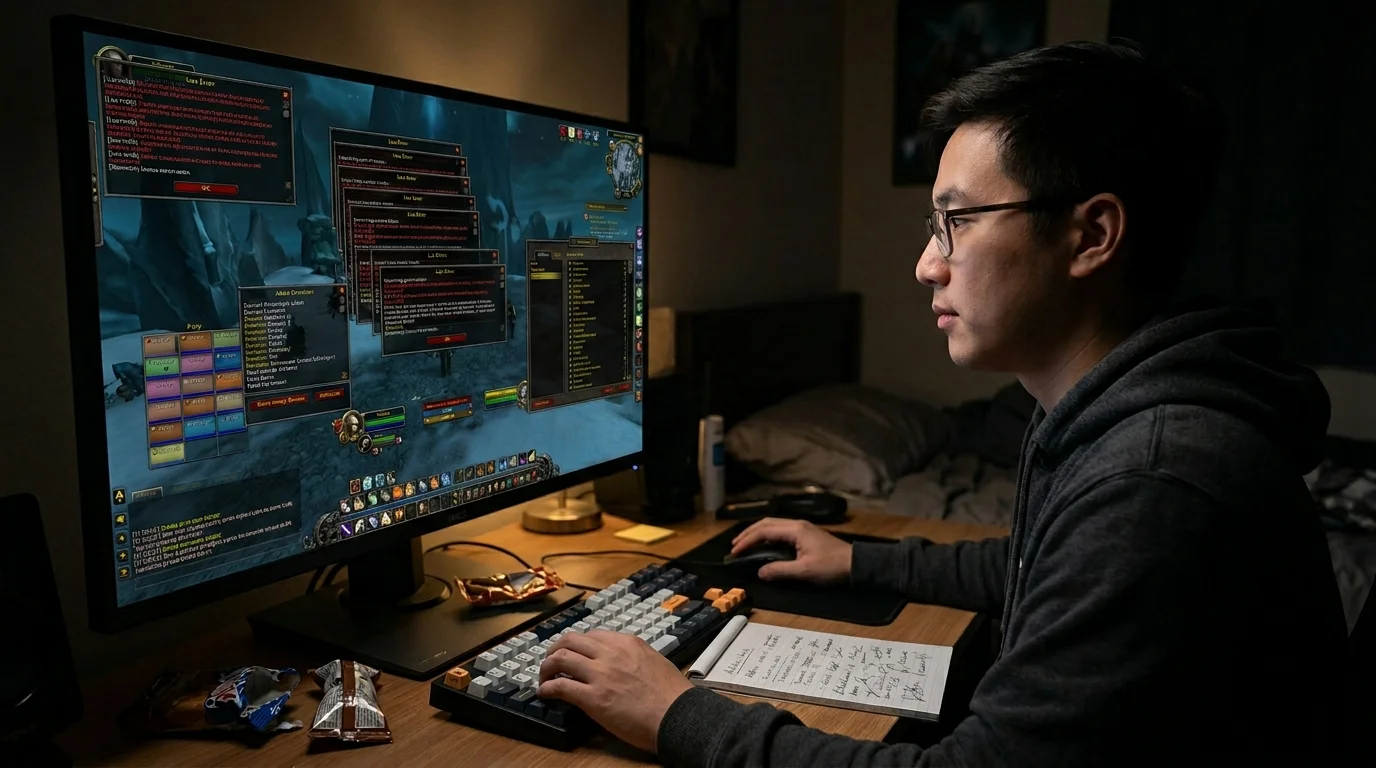
Did an addon break your interface? How to diagnose and fix it fast
What does it typically mean when an addon “breaks” its interface?
In practice, it is almost always one of these things:
- outdated addon
- conflict between two addons
- profile/corrupt configuration
- messy cache or interface file
- change in the client that left some incompatible addon
The most common mistake is trying to fix everything at the same time. This adds to the rework and still keeps you from figuring out what the real problem was.
The right way to resolve broken UI is to isolate, test, and then rebuild.
Quick method to isolate problematic addon
Step 1: Find out if the issue is addon or client/configuration
Close the game completely and open again.
On the character screen:
- click AddOns
- deactivate all
- get into character
If the interface has returned to normal
The issue is in addon, addon conflict, or profile.
If the interface is still broken
The issue may already be in the client's cache, WTF, saved configuration, or local file.
Test order to reduce rework
This order avoids wasting time:
Step 1 — test without any addon
If the UI has normalized, follow.
Step 2 — activate only the minimum
Start with:
- boss addon
- bar addon
- frames addon
- essential addon for its use
Do not activate 20 at once.
Step 3 — Block test
Activate small groups:
- basic interface
- combat
- utility
- map/quest
- aesthetics
When it breaks, you already know which block the culprit is in.
Step 4 — Individual testing
In the suspicious block, activate one by one until you find the problem.
This method seems slower, but almost always resolves faster than random attempt.
How to securely clear cache and settings
If disabling addons wasn't enough, you go for safe cleaning.
First things first: Back up
In the game folder, copy to another place:
WTFInterfaceCache
So you can go back if you need to.
Safer method
- close the game and launcher
- rename:
WTFforWTF_oldInterfaceforInterface_oldCacheforCache_old
- open the game again
The customer will recreate these clean folders.
What this does in practice
- removes broken settings
- cleans up old profiles
- eliminates conflict saved in local file
- forces a new interface base
If the clean UI works, you know the issue was in configuration, addon, or saved file — not in the game itself.
When to update, reset or replace addon
Update
Update when:
- the addon is known and still maintained
- the error started after patching or changing the client
- addon is clearly old
Reset profile/configuration
Reset when:
- the addon opens, but the interface has gone crooked
- bars are gone
- windows are off the screen
- the problem appears to be one of layout and not of incompatibility
Replace addon
Change when:
- the project is abandoned
- it breaks often
- always conflicts
- there is a lighter and more stable alternative
The biggest mistake here is to insist on an old addon “because I've always used it”. If it keeps breaking your UI, it's already costing you more than it delivers.
How to recover UI without building everything from scratch in the scare
After the clean interface works:
- enable only the must-have addons
- check if the game remains stable
- slowly re-import profiles
- only then come back with visual extras
The classic mistake is to solve the UI, be happy and reactivate everything at once. Then the problem comes back and you lose the chance to find out the cause.
Common mistakes that make the situation worse
1. Update all addons and activate all together
You don't know which one caused the problem.
2. Delete everything without backup
If you need to recover profile, macro or layout, it becomes a headache.
3. Confuse addon error with configuration error
Sometimes the addon is good. Profile is broken.
4. Test on the wrong character
Some errors are saved per character, not per entire account.
5. Ignore conflict between similar addons
Two addons trying to control the same part of the UI almost always ask for trouble.
UI Recovery Checklist
Before considering the “solved” interface, confirm:
- does the UI work with all addons turned off?
- does the problem reappear only with active addon?
- has the guilty addon been identified?
- has the profile been reset or revised?
- the folders
WTF,InterfaceeCachewere treated with backup? - did you return the addons little by little?
- is the screen clean and stable in real content?
If all of this is ok, your UI is actually recovered.
Minimum recommendation
If an addon breaks your interface:
- deactivate everything first
- testing in small blocks
- back up and rename
WTF,InterfaceeCacheif you need to - update or replace the problematic addon
- rebuild UI bit by bit
The fastest way to fix broken UI is to stop trying to solve on impulse.
Posts Recomendados
How to configure addons without destroying your UI
Configure addons without wrecking your UI: a good addon organizes information, a bad setup turns it into noise. See how to build a clean, stable UI.
The addons that most help beginners in PvE
Beginner doesn't need a spatial UI. You need the right addons to see mechanics, cooldowns and useful information without cluttering the screen with noise.
Client 3.3.5a with low FPS: tweaks that really help
Low FPS on the 3.3.5a client doesn't always call for an upgrade. The right graphics, system and testing tweaks can bring back a lot of smoothness.
Magtheridon: the pit lord of Hellfire Citadel
Who is Magtheridon: the pit lord who ruled Outland, lost the Black Temple to Illidan and became the blood source for fel orcs in Hellfire Citadel.