
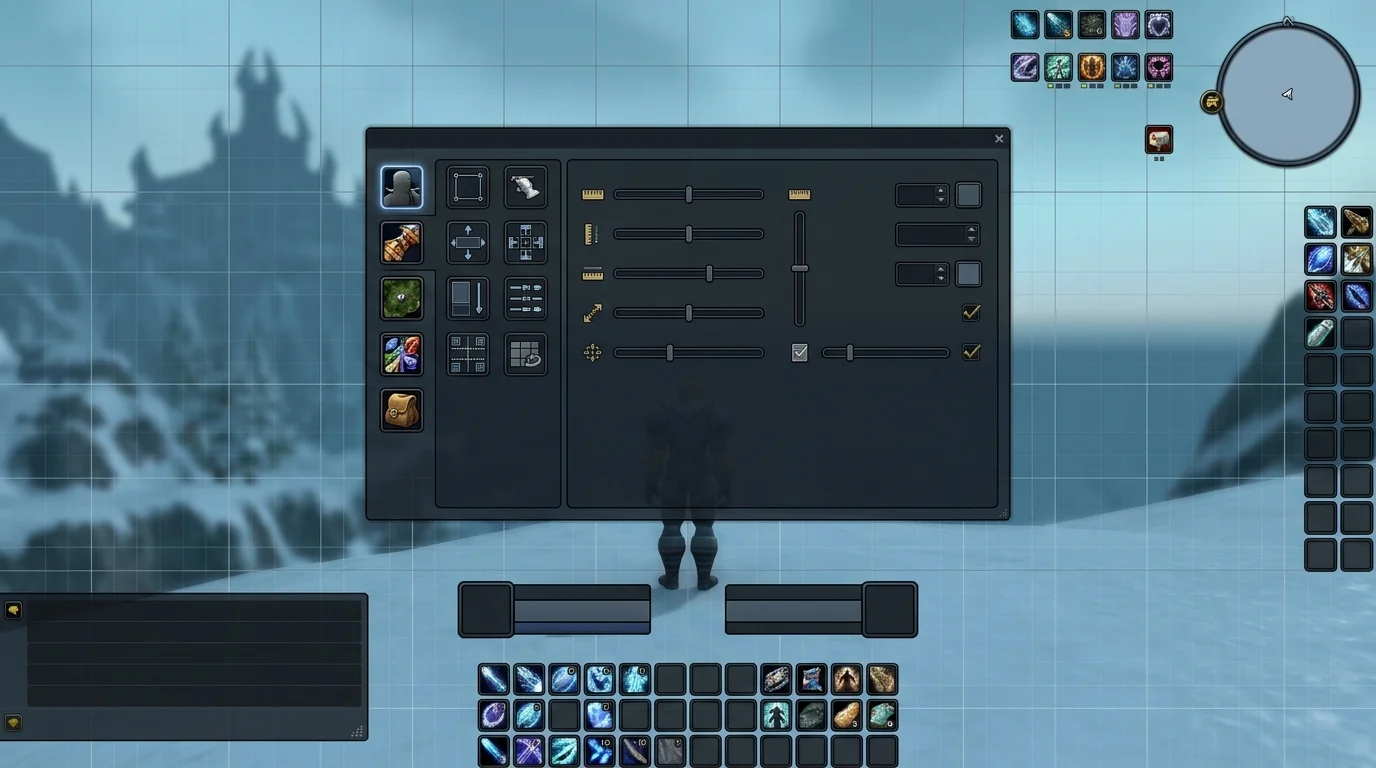
The biggest mistake made by those who work with addons
It's installing everything at once and configuring nothing with method. Then the classics appear:
- double slash
- alert upon alert
- addon doing the same thing as another
- too much window in the center of the screen
- conflict that no one knows where it came from
Good UI is not the most full. It's the most readable.
Safe installation and testing order
1. Install the essentials first
Start with what solves a real problem:
- boss mod
- quest/quality of life helper
- aura/cooldown addon if needed
- frames specific to your role, if you are a healer for example
2. Test one at a time
Never add five addons at once and try to figure out what broke later.
3. Validate on lightweight content
Quest, open world or simple dungeon serve much better to test new UI than serious raid.
Minimum configuration per content type
Basic PvE
- DBM or equivalent
- Questie, if you are still progressing/leveling
- Leatrix Plus for quality of life
- Simple WeakAuras for 2 or 3 important things
Dungeon/raid
- mechanic alert
- visible cooldown
- clear frames
- minimum information in the center of the screen
PvP
- clearly readable focus, trinket and priority cooldown
- less pollution, more quick reaction
How to avoid conflicts between addons
Rule of thumb
If two addons do the same thing, one of them is probably left over.
Examples of common conflict
- two slash addons
- two aura trackers covering the same paper
- two mods changing similar frames
- several head-to-head automations in base interface
Stable UI is born more from cutting than accumulation.
Errors that cause visual pollution
1. Put everything in the center of the screen
You stop seeing the game and start seeing just the interface.
2. Import WeakAura too much
When everything flashes, nothing matters.
3. Copy streamer UI without filtering
His UI was designed for his routine, function and customs. Not necessarily for yours.
4. Don't review what you never use
Too good an addon for a function that you don't even play yet is noise.
Stable UI Checklist
Before considering the UI ready, review:
- Do I see the ground, my character, and the mechanics effortlessly?
- Are my really important alerts visible?
- Is there addon duplicating function?
- Can I play without searching for buttons or windows all the time?
- If something breaks, do I know which addon to test first?
Minimum recommendation
To configure addons without destroying your UI:
- install little and test in stages
- only use what solves a real problem
- Avoid duplicating function
- Keep the center of the screen clean
- Cut more than you add
Good UI in WotLK is the one that helps you play better, not the one that looks like a spaceship sitting on the character.
Posts Recomendados
The addons that most help beginners in PvE
Beginner doesn't need a spatial UI. You need the right addons to see mechanics, cooldowns and useful information without cluttering the screen with noise.
Keybinding: how to configure your shortcuts to play better
Good rotation on paper isn't much use if your shortcuts slow you down. A well-mounted keybind improves reaction, comfort and consistency in WotLK.
Armor Penetration in WotLK: when is it worth it and for whom
Armor Penetration can be absurd in WotLK, but not for everyone and not at any stage. See when it starts to compensate and when it only delays its progression.
Regular Heroic, Titan Rune or entry raid: where your time pays off most
Heroics, Titan Rune or entry raids: not all PvE content pays the same for your time. Knowing when to focus on each greatly speeds up your progression.