
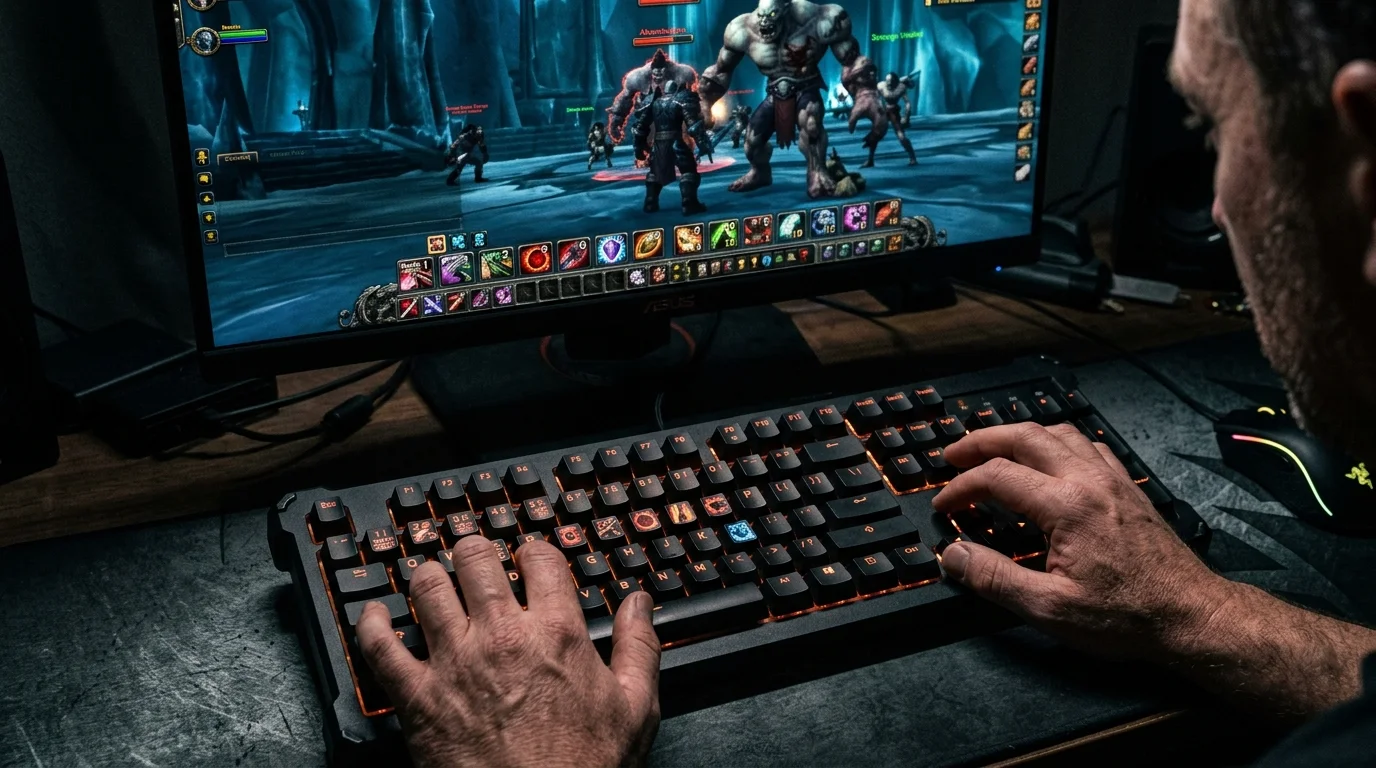
Why bad keybind drops your performance
Many people think they play “more or less” because of class, gear or rotation. But, in practice, a bad keybind already limits everything before that. If you take too long to press an important button, use an uncomfortable key or rely too much on clicking, your execution will be slower than it should be.
In WotLK, quick reaction is worth a lot. Interrupt, defensive, dispel, stun, trinket and target switching require easy access. If your hand needs to travel across the keyboard to do the basics, you will always play below what you really know.
The goal of a good keybind
A good setup needs to do five things:
- keep your most important skills close to your fingertips
- Reduce unnecessary hand strain
- separate offensive, defensive and utility with logic
- be easy to memorize
- remain comfortable during long sessions
Good Keybind is not the most “advanced”. It's what you can repeat consistently without getting stuck.
Ergonomic principles to configure your shortcuts
1. Priority goes to the easiest keys
The most comfortable keys for most gamers are:
- 1, 2, 3, 4, 5
- Q, E, R, F
- Z, X, C, V
- Shift + these same keys
These must receive:
- main rotation
- interrupt
- defensive
- mobility
- important cooldown
Crucial skill should not live on a distant key like 8, 9, = or bizarre combinations.
2. Organize by logic, not appearance
Example of simple organization:
- 1–4: main rotation
- Q/E/R/F: utility and reaction
- Shift + 1–4: cooldowns
- Z/X/C/V: defensive, trinket, escape
- mouse buttons: arena, focus, mobility or recurring skill
The brain learns pattern better than it learns “pretty position on the bar”.
3. Reserve prime shortcuts for urgency
If an ability needs to come out in less than a second, it must be in prime key.
Examples: -kick
- dispel
- stun
- blink
- PvP trinket -taunt
- large defensive cooldown
The rotation can tolerate a slightly less comfortable keystroke. Not panic.
Optimal distribution of skills by priority
Rotation core
These should be on the easiest line:
- builders
- spenders
- fillers
- spells used all the time
Immediate reaction
These should become even more accessible:
- interrupt
- short CC
- cleanse/dispel -taunt
- main defensive
Bigger cooldowns
You can go to:
- Shift + easy keys
- Ctrl in few cases
- mouse buttons if you use
Rare or non-combat skills
They can stay:
- on the edges of the bar
- with click
- in secondary binds
Not everything needs a premium bind.
How to get out of the click without trauma
Many people want to migrate from click to keybind and try to change everything at once. It almost always goes wrong.
Best way:
- choose 3 core skills to bind first
- play a few days with just these
- add interrupt and defensive
- then migrate the rest gradually
The worst strategy is to redo the entire interface in one night and try to learn everything in raid the next day.
Errors that slow down your reaction speed
1. Place important skill on distant key
You even reach the key, but you lose speed every time.
2. Mix bar logic
When offensive, defensive and utility are spread out without a pattern, your head stops before your hand.
3. Using combinations that are too difficult
Ctrl + Shift + far key works on paper. In a real fight, it becomes a delay.
4. Leaving switch or trinket poorly positioned
These buttons need to come off without thinking.
5. Trying to copy another player's keybind
Hand, keyboard, mouse, class and habit change. Another player's setup may be great for them and terrible for you.
Example of a simple structure that works for a lot of people
Base
- 1: filler or builder
- 2: main skill
- 3: secondary skill
- 4: spender
- Q: interrupt
- E: mobility
- R: short defensive
- F: recurring utility
Second layer
- Shift+1: offensive cooldown
- Shift+2: secondary cooldown
- Shift+Q: stun/CC
- Shift+E: escape
- Shift+R: large defensive
- Shift+F: trinket or dispel
Mouse
- side button 1: movement/escape
- side button 2: quick utility
This base already solves a lot of things without exaggeration.
Adaptation plan in 7 days
Day 1
Define only the 4–6 most important skills.
Day 2
Do quests, mobs and light training with the new binds.
Day 3
Add interrupt and defensive.
Day 4
Enter the dungeon easily and force the use of binds.
Day 5
Adjust whatever is still uncomfortable.
Day 6
Add longer cooldowns.
Day 7
Review everything and cut out what became too complicated.
This method is much better than trying to “become another player” in one day.
What to avoid at the beginning
- bind absolutely everything
- use difficult combinations just to appear advanced
- leave critical skill on click
- change binds all the time
- insisting on a setup that hurts or stops your hand
Minimum recommendation
If you want to play better in WotLK:
- Put the most important skills in the easiest keys
- use clear logic between rotation, reaction and cooldown
- migrate from clicking little by little
- review the setup after playing, not just looking at the bar
Posts Recomendados
How to know if you are playing your class well without depending on an addon
Addon helps a lot, but does not replace reading the game. You can tell if you're playing well by observing simple signs of execution, survival, and consistency.
Essential Macros Every WotLK Player Should Have
Essential macros don't play for you, but they cut errors, speed up reactions and clean up your interface. See the most useful ones for any WotLK player.
How to create macros in WotLK the right way (without breaking your rotation)
Creating WotLK macros the right way simplifies execution; bad macros mess up targets, lock priorities and break your rotation. Learn the logic first.
How to set up your UI to play better without cluttering the screen
A good WotLK UI isn't about cramming the screen, it's deciding what deserves attention and where it should appear. See how to improve visual performance.