
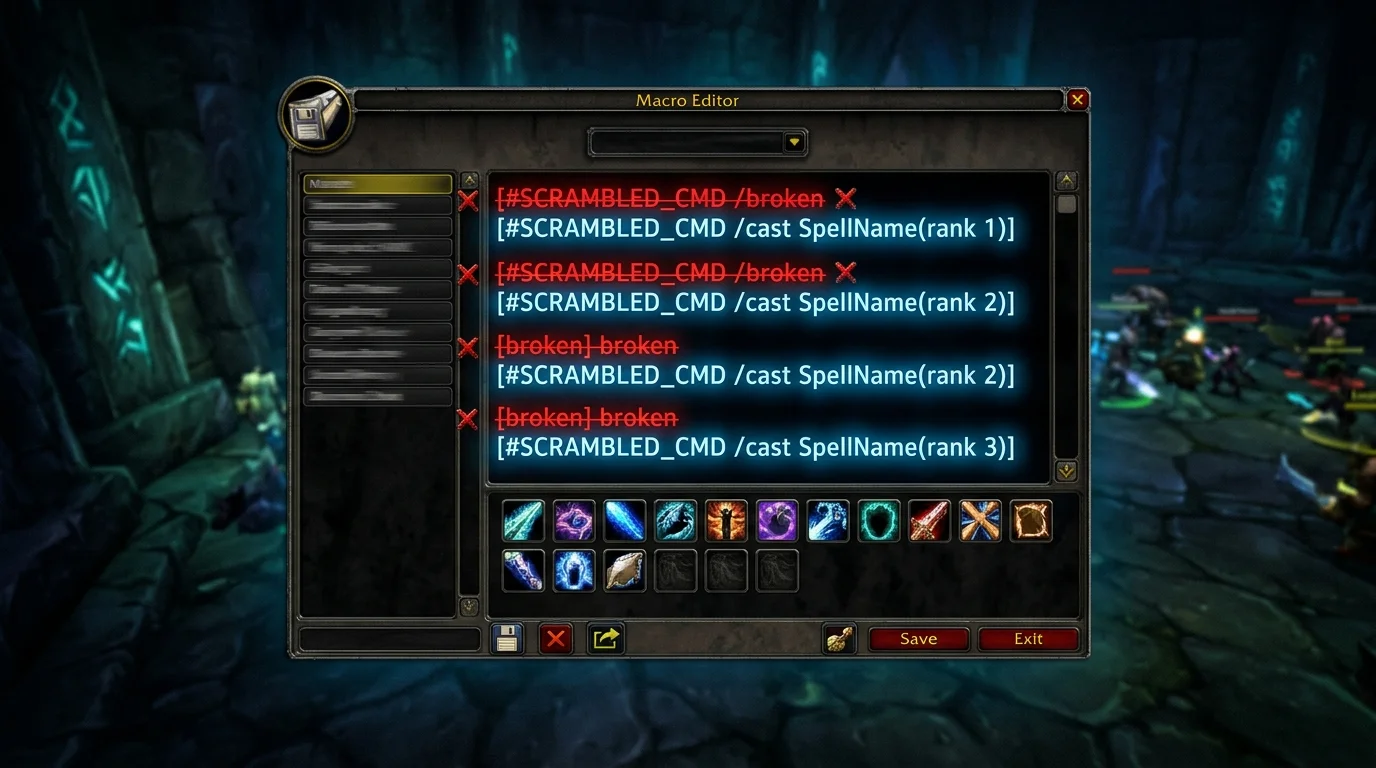
Errors that break your macros in WotLK (and how to fix them quickly)
Broken macro almost always has a simple cause
When a macro stops working, many people think the problem is a server bug. In practice, it is usually one of these points:
- wrong condition
- poorly defined priority
- spell with incorrect name
- macro too big for the case
- lack of testing in a real scenario
The good news: you can fix it quickly when you debug it in stages.
10 errors that break the most macros in WotLK
1) Copying without understanding
If you don't know what each line does, you don't know where the error is.
2) Lack of basic conditionals
Withoutexists e nodead, the macro tries to act on an invalid target.
3) Mixing help and harm without criteria
The macro ends up choosing the wrong target at a critical moment.
4) Use spell with a different name than the client
In 3.3.5a, skill name must match what the client accepts.
5) Castsequence in dynamic fighting
The sequence crashes easily when the combat changes.
6) Stopcasting on common skills
You cancel useful casts and lose performance.
7) Lack of fallback
Macro only works on mouseover and fails when there is no target on the cursor.
8) Giant macro for various scenarios
Excessive complexity generates unpredictable behavior.
9) Bad Bind
Good macro on uncomfortable key remains slow.
10) Not validating before serious content
Without testing, a simple mistake becomes a wipe or avoidable defeat.
5-step debugging method
Step 1: simplify to a minimum
Remove everything and test first:
#showtooltip
/cast NomeDaSkill
If this already fails, the problem is the name of the skill or context of use.
Step 2: Add one condition at a time
Gradual example:
/cast [@mouseover,help,nodead][] NomeDaSkill
Test with valid and invalid mouseover.
Step 3: Add explicit fallback
Without fallback, the macro may be useless outside of a specific scenario.
Step 4: Test focus separately
Macros with focus should be tested with:
- valid focus
- dead focus
- no focus
Step 5: only then take it to real content
Validate in training, open world or simple dungeon before serious raid/arena.
Quick Fix Examples
Case 1: interrupt does not come out in focus
Common error:
/cast [@focus] Counterspell
Safer version:
/cast [@focus,exists,harm,nodead][] Counterspell
Case 2: mouseover cure fails for no reason
Common error:
/cast [@mouseover] Flash Heal
Safer version:
/cast [@mouseover,help,nodead][] Flash Heal
Case 3: Emergency macro canceling too much
Common error:
/stopcasting
/cast Heal
Correction: usestopcastingonly in real emergency spell.
Signs that your macro is not ready yet
- you can't explain every line
- works only in perfect scenario
- fails with dead or non-existent target
- depends on strict castsequence order
- is slower than using the normal button
If any of the above happens, go back a step and simplify.
Final stability checklist
Before considering the macro ready:
- Does it work with and without mouseover?
- Does it work with and without focus?
- Does it have security conditions?
- Is there a clear fallback?
- Was it tested on light content?
- Is keybind comfortable?
Macro stable is not the prettiest. It's the one that works in the chaos of the fight without betraying you.
Posts Recomendados
How to create macros in WotLK the right way (without breaking your rotation)
Creating WotLK macros the right way simplifies execution; bad macros mess up targets, lock priorities and break your rotation. Learn the logic first.
Essential Macros Every WotLK Player Should Have
Essential macros don't play for you, but they cut errors, speed up reactions and clean up your interface. See the most useful ones for any WotLK player.
How to set up your UI to play better without cluttering the screen
A good WotLK UI isn't about cramming the screen, it's deciding what deserves attention and where it should appear. See how to improve visual performance.
How to know if you are playing your class well without depending on an addon
Addon helps a lot, but does not replace reading the game. You can tell if you're playing well by observing simple signs of execution, survival, and consistency.