
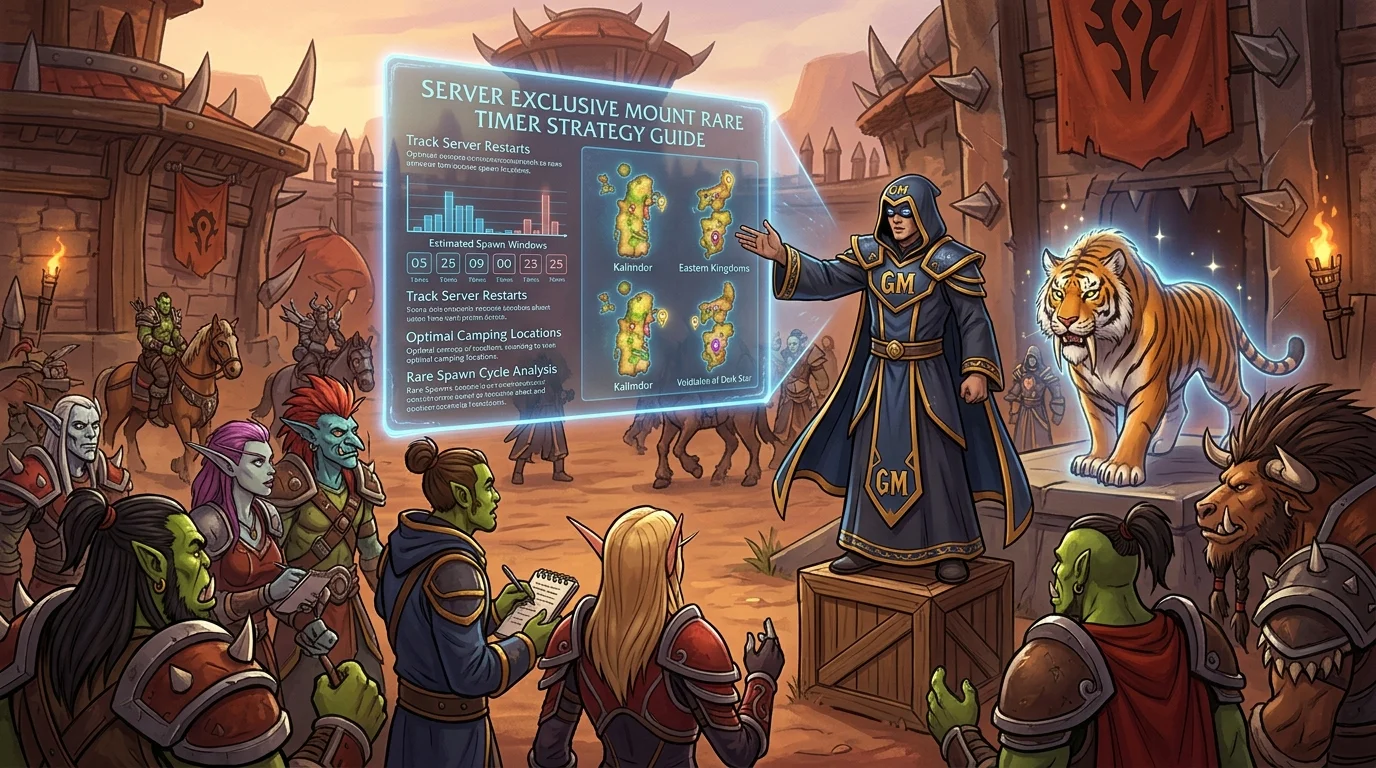
GM Auction Guide: rules, timer and strategy to guarantee exclusive mounts
What is the GM Auction
The GM Auction is a special auction format conducted by the Azeroth Legacy team featuring items that are not available through any other route — exclusive mounts, unique cosmetics, and eventually server collectibles. Availability is periodic and announced in advance on Discord and the website.
Beta: Participation in the GM Auction is available free of charge to everyone during the beta. After launch, access will be exclusive to VIP players.
The difference to the common auction is that the item up for grabs has real rarity: when the timer closes, it may not appear again anytime soon — or ever again, depending on the item.
Specific GM Auction rules
Bid format
The GM Auction operates with a private maximum bid, the same as the standard automatic system. You set your ceiling and the system incrementally covers up to it. The difference is that the curation of items and the timing of the event are controlled manually by the team.
Announcement and participation window
The auction is announced with the item on display before the timer opens. This exhibition period exists for players to research the item, calculate their budget and decide whether to participate.
Timer and extension
The GM Auction generally has a shorter timer than player auctions — which adds pressure. Check the ad to see if the format includes automatic timer extension in case of bidding in the last few minutes.
Item delivery
After closing, the item is delivered to the winner directly in the game or via an internal mail system. The deadline and method are informed in the auction announcement.
Timer reading and critical bidding window
Exhibition phase (pre-auction)
Before the timer starts, the item is visible to everyone. Use this time to:
- Search for the item and confirm it is what you want
- Estimate competition based on who is commenting on Discord
- Set your ceiling calmly, without timer pressure
Initial phase (first 25% of the timer)
Starting bid sets the minimum visible price. If you enter here with a high price, other participants know that there is someone serious in the running from the beginning. It can discourage those with a smaller budget — or cause those with more to escalate.
Intermediate phase (25%–75%)
Monitor the current bid. If it went much higher than you expected, reevaluate whether the item still makes sense in your budget. Entering the middle with a bid lower than the current one is useless — the system does not record it.
Critical window (last 15%–20% of timer)
This is where most disputes are decided. If the format does not have a timer extension, a solid play in the final minutes could catch competitors unaware. If there is an extension, be aware that any bid in the last few minutes resets the counter — the dispute may last longer than the initial timer suggested.
How to prepare budget and investment ceiling
Set the value before viewing the item for auction
The worst time to calculate a budget is when the timer is ticking and the item is in front of you. Decide first: how much is this type of item worth to you? This is the reference, not the current bid of others.
Separate gold before the event
Gold compromised in other transactions during the auction is a problem. Reserve the amount before the timer opens to avoid having to sell an item in the middle of the dispute.
Set a real ceiling and don't break it
Actual ceiling means that if the item goes above this value, you give up. Not "a little more." The GM Auction will happen again at some point — losing a round is recoverable. Spending beyond the limit is not.
Consider the opportunity cost
The gold spent in the GM Auction is gold that does not go towards consumables, enchants or the next gear upgrade. Weigh this before jumping in, especially if you are in the active progression phase.
Most frequent execution errors
1. Enter without searching for the item
Montura that seems rare may be obtainable via another route in the future. Before entering, confirm that the item is truly exclusive to the auction.
2. Set ceiling based on current bid, not actual amount
If the current bid is 5,000g, entering with 5,500g because "it's just a little more" without having calculated it before is an emotional reaction, not a strategy.
3. Not checking the timer format
Entering the last few minutes thinking that the timer is going to close and discovering that it has automatic extension completely changes the dynamic. Read the event rules before calculating timing.
4. Leaving the gold committed elsewhere
Winning the auction and not having gold available to pay is a situation that can result in a penalty or loss of the item. Book in advance.
5. Enter multiple auctions simultaneously without separate reservation
If there is more than one GM Auction happening at the same time or in quick succession, dividing the budget without planning could make you lose them all due to lack of gold in each one.
Checklist to maximize your chance of winning
Before the timer opens
- [ ] Did you research the item and confirm that it is exclusive to this route?
- [ ] Set the gold ceiling based on the item's value to you, not the bid of others?
- [ ] Did you set aside the reserved gold before the auction started?
- [ ] Have you read the event rules — timer format, length, delivery method?
During the auction
- [ ] Did you enter the maximum bid at once, without manually increasing it?
- [ ] Are you monitoring the critical timer window?
- [ ] Did you receive confirmation of bidding registration?
After closing
- [ ] If it expired: did you check the delivery time for the item?
- [ ] If you lost: did you register the ceiling you would pay for reference at the next event?
Posts Recomendados
Rare Item Auctions: How Auto Auctions Work and How to Win Bids
Rare item auctions have their own rules that decide who wins. Understanding the mechanism before your first bid is worth more than the biggest budget.
The 5 most hotly contested mounts at Azeroth Legacy auctions (and how to prepare)
Some mounts focus the most competition on server auctions. Knowing what they are and why helps you plan for budget, timing, and strategy before the timer opens.
The coolest mounts to chase in WotLK
The coolest mounts to chase in WotLK: for those who enjoy collecting, some mounts provide status, a memory of content and long-term goals. See which ones.
Magtheridon: the pit lord of Hellfire Citadel
Who is Magtheridon: the pit lord who ruled Outland, lost the Black Temple to Illidan and became the blood source for fel orcs in Hellfire Citadel.