
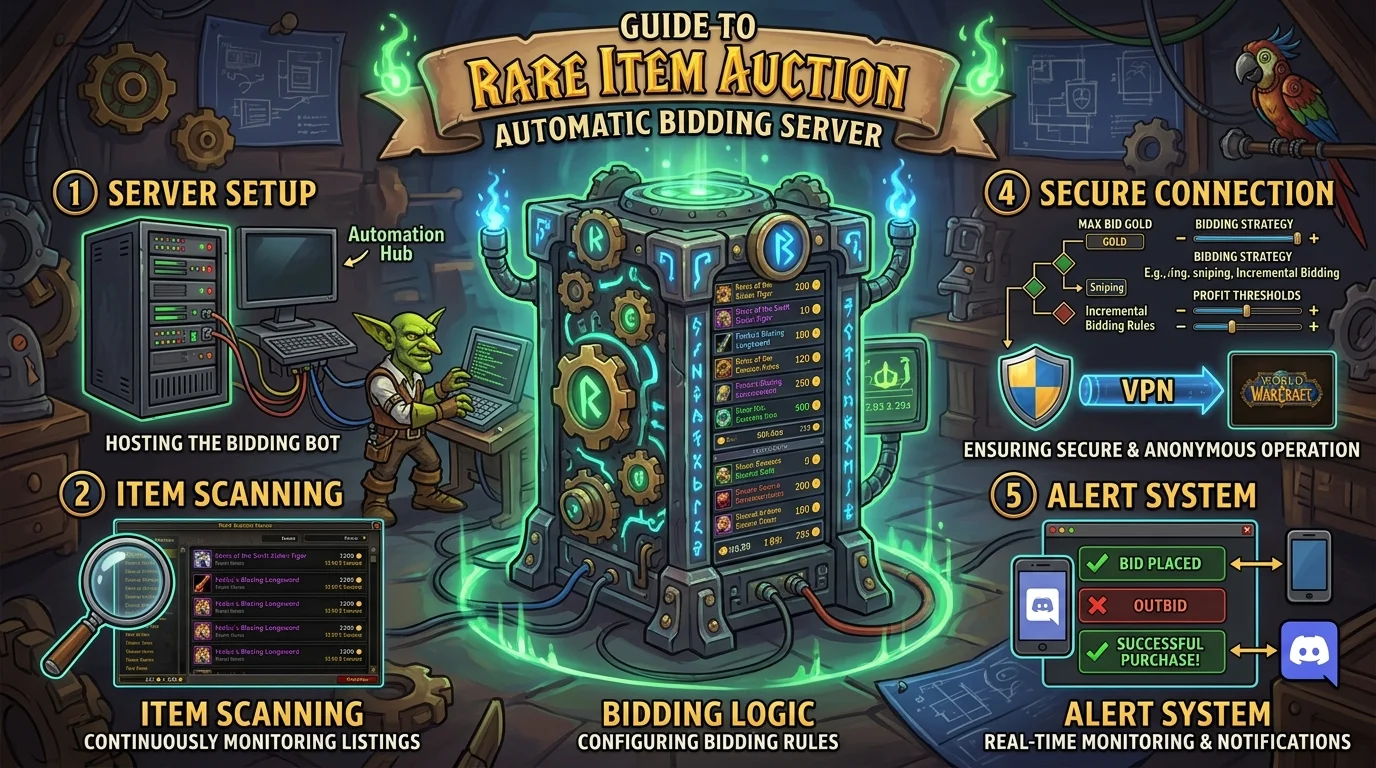
How the automatic auction works
Azeroth Legacy's automatic auction operates by incremental bids with a timer. When you place a bid, the system does not reveal its maximum value to other participants — it uses the minimum necessary to cover the previous bid, within the ceiling you set.
Beta: Participation in auctions is available free of charge to all players during the beta. After launch, the auction system will be exclusive to VIP players.
Automatic bidding mechanism
When you set a maximum bid, the system:
- Register your ceiling as private
- Enter the minimum amount necessary to cover whoever was ahead
- If someone outperforms your current bid, the system automatically increases it up to your ceiling
- If the ceiling is exceeded, you receive notification that it has been exceeded
This means that setting the right maximum bid from the beginning is more efficient than manually monitoring and adjusting it.
Timer and extension
Most auctions have a fixed timer. In some formats, a bid in the last few minutes resets the counter for a short period of time — preventing the item from being decided by whoever stayed up later. Please check the specific format of each auction before entering.
Basic rules of automatic auction
- Minimum bid: each auction has a minimum entry value defined by the system
- Minimum increment: each new bid must exceed the previous one by a minimum amount — equal bids do not count
- Private maximum bid: only the system knows your ceiling; other participants only see the current bid
- Winner: whoever has the highest bid recorded when the timer resets
- Draw: if two players set the same ceiling, whoever arrived first wins
Budget bidding strategies
Limited budget — get in early and be accurate
With limited gold, the strategy is not to try to win any auction. It's about identifying the item with the least competition and entering the real ceiling from the beginning.
- Monitor auctions with few participants
- Prefer items outside of peak hours (less dispute)
- Set the ceiling based on the item's actual value to you, not how much you have available
Average budget — patience and timing
- Don't enter on the first day of a long auction — competition tends to peak in the last few hours
- Monitor progress and enter a solid bid when the timer is in its final moments before the extension window
- Avoid small incremental bidding wars — raise the price with no guarantee of winning
High budget — set the ceiling and get out
- Enter the maximum value that makes sense for you at the beginning
- The system will cover incrementally without needing constant monitoring
- If it's exceeded, you already know the item has gone beyond your value criteria — don't chase
Ideal timing to enter the dispute
Short auctions (less than 6 hours)
Enter as soon as you decide to participate. The timer does not allow time to wait.
Long auctions (12h or more)
- First hours: just monitor
- Timer Mid: Evaluate competition by current visible bid
- Last hours: time to enter with a solid bid
- Final window: if the format has a timer extension, this is where the dispute is decided
Common mistakes that cause harm
1. Enter without setting a real ceiling
Making an initial bid without knowing how much you will spend leads to emotional decisions in the heat of the dispute — and often paying more than the item is worth to you.
2. Making small incremental bids manually
Increasing the bid by 10 only increases the price and reveals that you want the item without setting a limit. Other participants see the movement and use it as a signal to continue competing.
3. Ignoring the auction format
An auction with a timer extension behaves differently from an auction with a fixed timer. Entering the wrong strategy wastes both opportunity and gold.
4. Dispute over an item that is not a priority
In weeks with several simultaneous auctions, spending gold on a secondary item can leave you without resources for the item that really matters. Prioritize before entering.
5. Not checking the condition of the item before bidding
Confirm the item's level, usage restrictions and whether it is truly an upgrade for your character before placing any bid.
Auction preparation checklist
Before entering
- [ ] Is the item a real upgrade or just pretty?
- [ ] What is the gold ceiling you are willing to spend on this item specifically?
- [ ] How many participants are in the auction now?
- [ ] What is the timer format — fixed or with extension?
At bidding time
- [ ] Did you set the maximum bid all at once, not incrementally?
- [ ] Is the initial value above the minimum required?
After bid
- [ ] Did you receive confirmation that the bid was registered?
- [ ] Have you activated notification to find out if it has been surpassed?
- [ ] Do you have gold reserved to adjust the ceiling if necessary and still make sense?
Posts Recomendados
GM Auction Guide: rules, timer and strategy to guarantee exclusive mounts
The GM Auction has its own rules and timing, and going in unprepared is the fastest way to lose gold and the item. See how it works and plan your strategy.
The 5 most hotly contested mounts at Azeroth Legacy auctions (and how to prepare)
Some mounts focus the most competition on server auctions. Knowing what they are and why helps you plan for budget, timing, and strategy before the timer opens.
Auction House: how to buy cheap and sell high on the server
You do not need to become a hardcore trader to profit from the AH. With a short routine and simple rules, you can grow your weekly gold consistently.
Magtheridon: the pit lord of Hellfire Citadel
Who is Magtheridon: the pit lord who ruled Outland, lost the Black Temple to Illidan and became the blood source for fel orcs in Hellfire Citadel.