
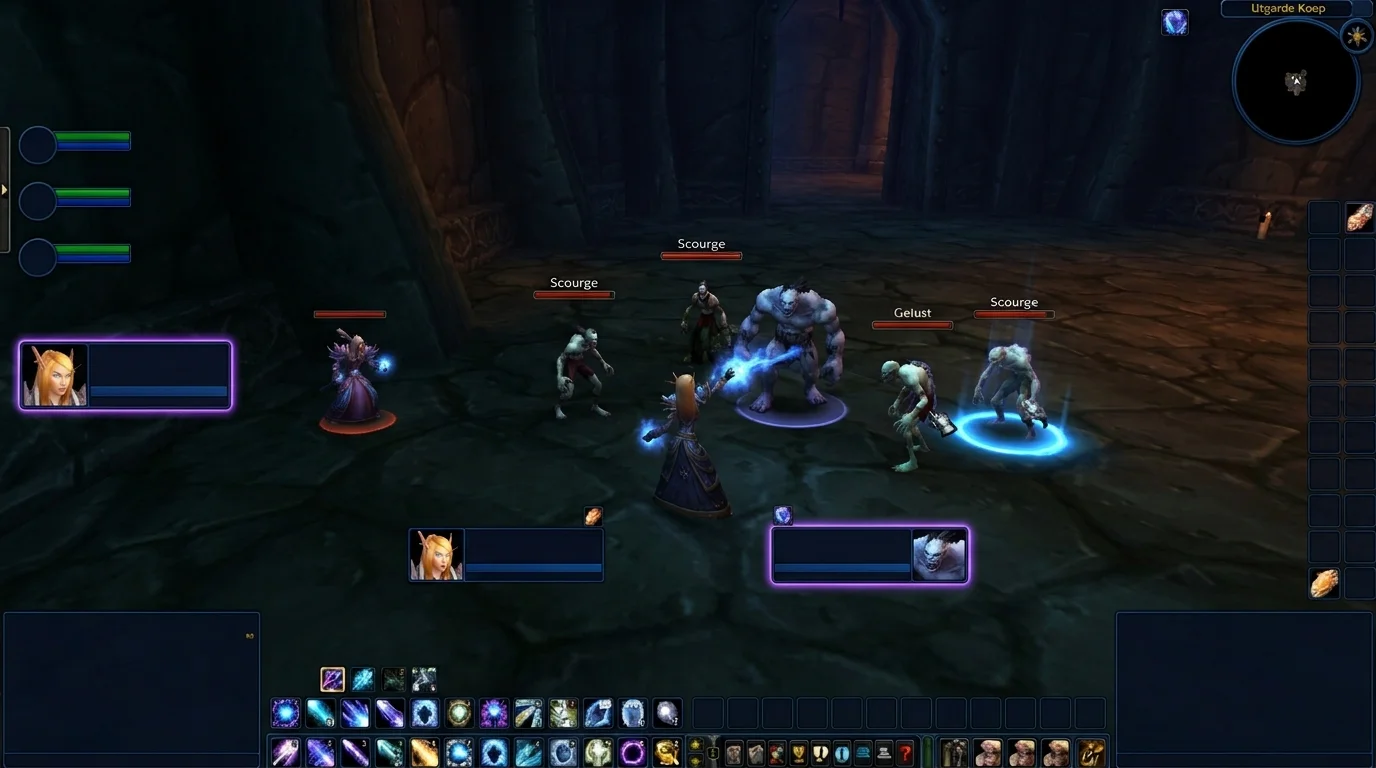
Mouseover and focus macros in WotLK: save time without losing control
Why are mouseover and focus worth so much in WotLK?
In WotLK 3.3.5a, a lot of runtime errors come from one simple thing: slow target switching. You want to heal someone, interrupt another target, apply control to a third, and waste time clicking on the frame, returning to the boss and rearranging everything in chaos.
Mouseover and focus macros exist to reduce this friction.
- Mouseover: you use the skill on whoever has the mouse over it.
- Focus: you define a fixed secondary target to control without losing the main target.
They don't play for you, but they accelerate the right decisions.
Practical difference between mouseover and focus
Mouseover
Ideal for reactive and quick actions:
- emergency cure
- dispel
- spot buff
- situational taunt
Mental example: your target remains on the boss, but you clear the debuff on the healer without changing targets.
Focus
Ideal for priority targets you want to monitor:
- dangerous caster in dungeon
- enemy healer in arena
- target recurring CC
Mental example: you hit the main target and keep interrupt in focus.
Focus base setup (once and done)
Macro to set quick focus
#showtooltip
/focus [@mouseover,exists,nodead][]
With this, you can set focus by hovering the mouse on the target or current target.
Macro to clear focus
/clearfocus
Use when the focus has died, gone out of reach or lost relevance.
5 macros that deliver immediate results
1) Healing/utility mouseover
#showtooltip
/cast [@mouseover,help,nodead][] Flash Heal
SwapFlash Healby your class ability.
2) Dispel mouseover
#showtooltip
/cast [@mouseover,help,nodead][] Cleanse
Very useful for not breaking targets in the middle of a dynamic fight.
3) Interrupt no focus
#showtooltip Kick
/cast [@focus,exists,harm,nodead][] Kick
If there is no valid focus, try the current target.
4) CC in focus with stopcasting
#showtooltip Polymorph
/stopcasting
/cast [@focus,exists,harm,nodead][] Polymorph
Good for an urgent response, but be careful not to cancel a useful cast unnecessarily.
5) Mouseover priority with clean fallback
#showtooltip
/cast [@mouseover,harm,nodead][@focus,harm,nodead][] Counterspell
First try mouseover, then focus, then current target.
Where everyone shines brightest
Dungeon
- focus on dangerous caster
- mouseover to utility on tank/healer
- interrupt without loss of main target
Raid
- mouseover for quick support
- focus on target with repeated mechanics
- less manual target switching during critical moments
PvP
- focus for enemy healer
- mouseover for dispel/utility on the right ally
- more consistent control windows
Common errors that hinder these macros
1) Do not use security conditionals
Withoutexists, nodead, help ou harm, your macro fails at simple moments.
2) Use focus and never update
Old Focus becomes noise. Resetting focus at the beginning of each fight avoids silly mistakes.
3) Put everything in one giant macro
The larger the macro, the greater the chance of unexpected behavior.
4) Ignore keybind
Great macro on bad key remains bad in practice.
Quick 15-minute workout
- Enter light content (open world, simple dungeon or duel training).
- Set focus on secondary target.
- Perform 10 consecutive uses of the interrupt macro on focus.
- Perform 10 consecutive uses of mouseover macro on ally.
- Only then take it to serious content.
If execution still hangs, simplify the macro before insisting.
Final validation checklist
Before using in raid/arena:
- does the macro work with target and without target?
- does it work with valid and invalid mouseover?
- does it work with live and dead focus?
- is there any line left?
- do I understand each conditional?
When this base is ready, mouseover and focus become a real gain in consistency, not just interface decoration.
Posts Recomendados
How to create macros in WotLK the right way (without breaking your rotation)
Creating WotLK macros the right way simplifies execution; bad macros mess up targets, lock priorities and break your rotation. Learn the logic first.
Essential Macros Every WotLK Player Should Have
Essential macros don't play for you, but they cut errors, speed up reactions and clean up your interface. See the most useful ones for any WotLK player.
How to set up your UI to play better without cluttering the screen
A good WotLK UI isn't about cramming the screen, it's deciding what deserves attention and where it should appear. See how to improve visual performance.
How to know if you are playing your class well without depending on an addon
Addon helps a lot, but does not replace reading the game. You can tell if you're playing well by observing simple signs of execution, survival, and consistency.