
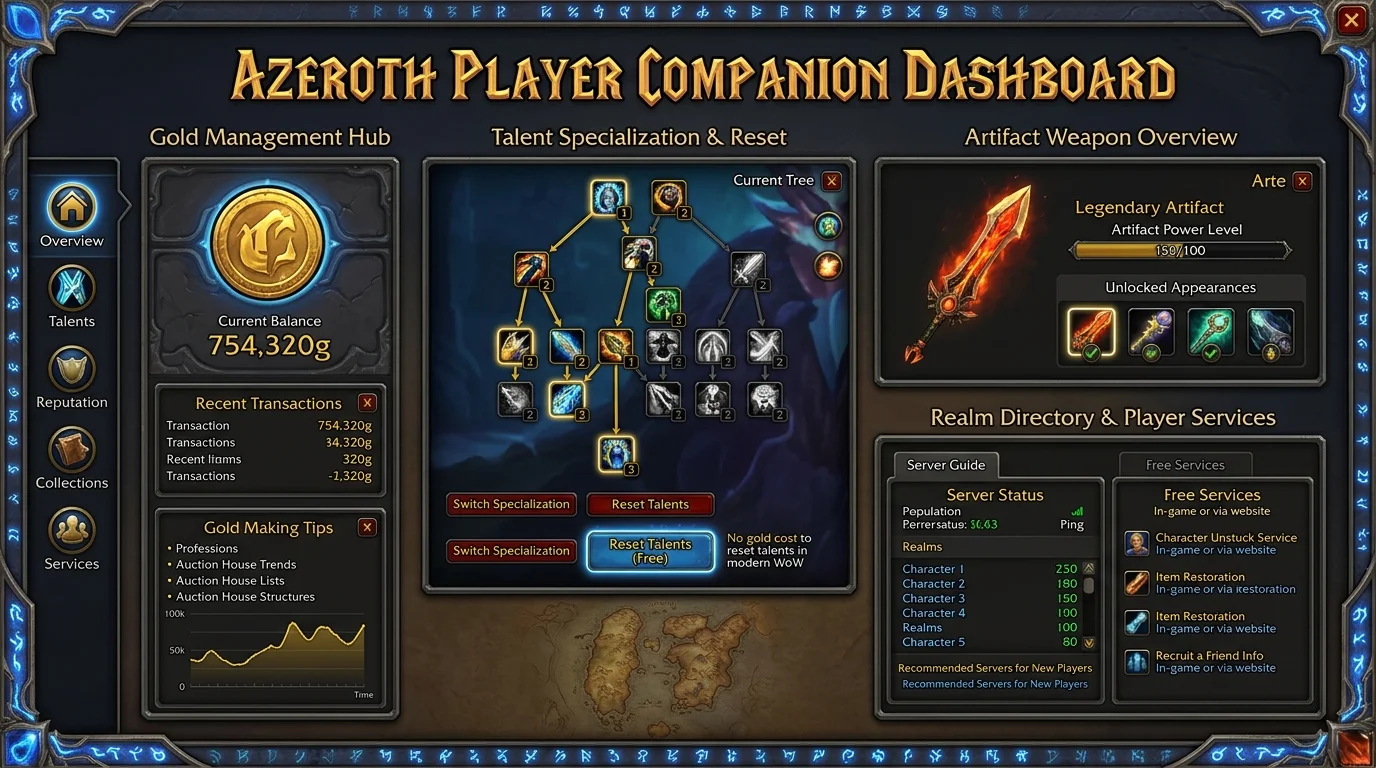
Save gold with free Dashboard services: talent reset and quick adjustments
What is available for free on the Dashboard
During the Azeroth Legacy beta period, a number of services that would normally charge gold directly in the game are available at no cost via the Dashboard. The goal is to reduce entry friction and allow players to try different builds without financial punishment.
Beta: All services listed below are free during the beta. After the official launch, these services will be part of the VIP plan. The title of this post will be updated when the change takes effect.
Services that generate greater direct savings
Talent reset
In WotLK, the talent reset cost starts low and scales progressively up to a cap. For players who switch specs frequently — whether to switch between PvE and PvP, between farming and raiding specs, or to test builds — the cost can accumulate dozens of gold per week.
Through the Dashboard, the reset is performed at no direct cost. The gold that would be spent on each visit to the trainer is available for consumables, enchants and gems.
Saved spec/build swap
Some Dashboard services let you save talent settings and switch between them. For players who keep two specs active — tank and DPS, for example, or Elemental and Restoration — the savings are proportional to the frequency of switching.
Attribute adjustments or character configuration
Quick adjustment services available through the panel reduce the need for in-game commands or traveling to specific NPCs, saving both gold and game time.
How to integrate use into your weekly routine
The most efficient way to use these services is to integrate them into your existing routine, not treat them as an emergency resource.
Before the raid
If you switch between DPS spec and support spec depending on the group composition, decide which spec you will use before joining. Use the Dashboard to make the switch in advance, outside of raid hours, without pressure.
After intensive farming
Long farming sessions usually use a different spec than the raid. Switching back to the Dashboard at the end of the session — instead of paying at the trainer — keeps it zero cost.
When testing new build
Before confirming a raid or arena build change, use the Dashboard to test for free and roll back if necessary, without spending gold on trial and error.
Scenarios in which the benefit is greater
Player with two active roles
Tank that also plays DPS, or healer that maintains farming specs: the frequent switching between specs is where the traditional cost weighs the most. With the free Dashboard, this player saves the equivalent of multiple resets per week.
Fresh 80 in build adjustment phase
Player who has just reached level 80 is still calibrating the ideal build. Without the free Dashboard, each attempt cost gold, which fresh 80 rarely has in abundance. With the service available, this adjustment takes place without financial impact.
Casual player with limited gold
Those who don't have an intensive farming routine and keep a lean gold stock feel the cost of frequent resets more. The free Dashboard levels this cost regardless of the volume of gold available.
Guild with active progression
In weeks of progression where the composition changes between bosses, players who need to change specs to suit the group's strategy paid this cost individually. With the Dashboard, this is no longer an impasse.
Usage errors that nullify savings
1. Not knowing what services are available
The Dashboard does not automatically communicate the service to those who have not searched for it. Players who continue to pay resets to the in-game trainer out of habit are losing savings without realizing it.
2. Using the service impulsively and reverting soon after
Free reset does not mean it is worth doing without discretion. Changing builds without testing the new one, reversing in sequence and changing again wastes the service and setup time.
3. Ignore the effective time
Some services have a cooldown or take effect at the next login session. Using it immediately before a raid without checking the character's status creates unnecessary confusion.
4. Forgetting to re-apply buffs after reset
After changing specs, some passive buffs change. Checking active talents and confirming that everything is correct before entering the content avoids discovering the problem mid-run.
Cost optimization checklist
Before using the service
- [ ] Do you know exactly which build you are switching to?
- [ ] Have you tested the new build in any environment before?
- [ ] Is the service you need available on the Dashboard?
After using the service
- [ ] Talents confirmed as expected?
- [ ] Glyphs suitable for the new spec?
- [ ] Action bars reorganized?
- [ ] Passive buffs and auras checked?
In the weekly routine
- [ ] Spec change before the raid scheduled via the Dashboard?
- [ ] Test build reset rolled back before serious content?
- [ ] Gold saved directed towards consumables for the week?
Posts Recomendados
Weekly checklist for raid-focused player
Weekly checklist for raid-focused players: consistent raiders also prepare outside the instance, with gear, consumables, reading and execution in order.
The best profession combinations in WotLK
Choosing the right pair of professions in WotLK saves gold, reduces rework and defines how much your character grows comfortably or with competitive aggression.
Hit level 80: what to do in your first days in the endgame
Reaching level 80 is just the start. Your first endgame days set your progression pace for weeks. This checklist covers everything in priority order.
The Azeroth Legacy Digital Wallet: How to Manage Balance and History in Dashboard
The Azeroth Legacy digital wallet gathers your balance, statement and transaction history in the Dashboard. See how to read it and control your resources.