
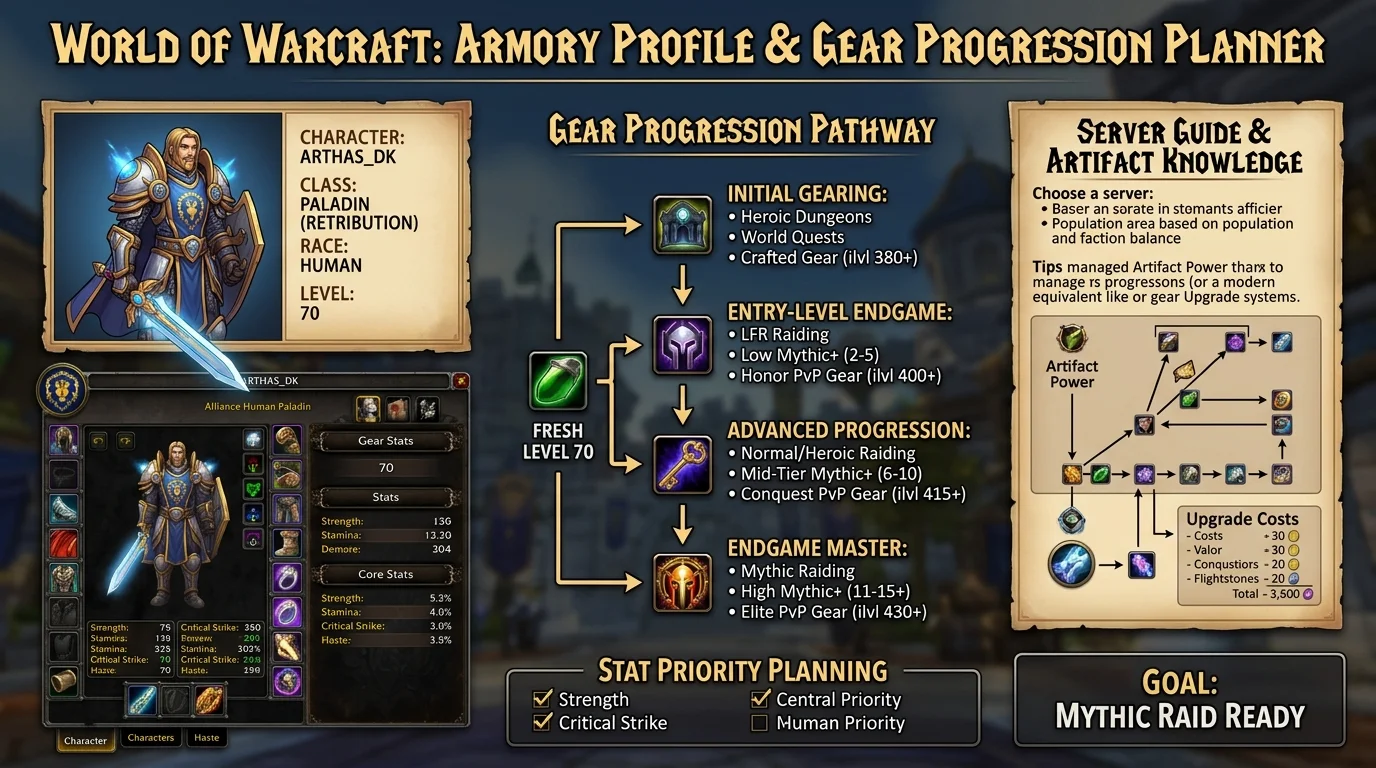
Armory 2.0: How to analyze opponent gear and plan progression without being online
What is Armory 2.0
Armory 2.0 is the character visualization tool available in the Azeroth Legacy dashboard. You access the site, without having to be logged in to the game, and you can see the full gear of any character on the server — slot by slot, with stats, enchants and gems when available.
The difference to a common armory is the ability to compare characters, identify progression gaps, and plan upgrades based on what other players are using — all offline.
Beta: Armory 2.0 available for free to all players during the beta period. After launch, the full version of gear analysis will be exclusive to VIP players.
Key features of Armory 2.0
Full character view
- All gear slots displayed with name, ilvl and font
- Enchants applied per slot
- Gems socketed, when present
- Spec active at time of last update
- Character's professions
Search for a name
You can search for any character by their exact name. The result loads the latest char snapshot — usually updated after login or item swap.
Character comparison
Select two characters to see the slots side by side. Slots with ilvl difference are highlighted, making it easy to identify where the biggest gap is.
Progress history
Some profiles display the history of recent upgrades — which items were added and in which period. Useful to see the progression pace of other players.
How to compare setups and identify gaps
Step 1: Identify the benchmark
Before analyzing your own char, set the benchmark. It can be:
- The server's top DPS in its class
- A player from your guild who performs better
- The BIS list of your spec
The Armory allows you to search for these characters by name.
Step 2: Compare slot by slot
Use direct comparison in Armory or open two profiles in separate tabs. Look at:
- ilvl per slot — where is the biggest difference?
- Enchant — slots without enchant are gap easy to close
- gem — wrong or missing gems appear here
- Weapon — usually the single highest impact upgrade
Step 3: Prioritize by impact
Not every gap is worth the same urgency. The logic is:
- No enchant or gem — low cost, immediate gain
- Item far below average ilvl — actual progression gap
- Slot with best accessible variant — dungeon, badge, craft
PRACTICAL EXAMPLE
You play Enhancement Shaman and want to understand why you are below the server's top Enh. Search for his character in the Armory, open side by side with yours:
- Main weapon: he has 25man heroic item, you have 25man normal item priority → upgrade
- Trinkets: he uses both ENCORES, you have an ENCORE and a dungeon trinket → next target
- Enchants: everyone present in both is → not enchant
- Gems: it uses ArPen gems, you even have generic AP gems cheap and immediate → adjustment
This analysis cycle takes less than 5 minutes with Armory open.
How to use to plan progression
Without being online
Armory's greatest utility isn't analysis at the moment-it's planning outside of game time. You can:
- Check at work which items are a priority before the next raid
- Check if last week's drop is still an upgrade or has already been surpassed
- Plan the badge spend route before logging in
Before joining a PUG GROUP
Before accepting or inviting to a PUG raid, you can check the player's gear by name. This does not replace skill judgment, but eliminates basic doubts:
- Does the guy have minimum gear for the content? “Are the enchants present?”
- Is the spec consistent with the gear equipped?
This reduces surprises and improves the quality of the PUG selection without having to ask for an item link in the chat.
Before a PvP showdown
In arena and BG context, knowing the opponent's gear helps calibrate expectation and strategy:
- Opponent with full PvP set and high fast resilience → burst will not work
- Opponent with PvE gear without resilience → window de kill exists
- Checking if the opponent healer has a PvP trinket → impacts CC timing
Armory is no substitute for real-time adaptation, but it does inform the initial approach.
Common gear data interpretation errors
1. Judge only by the average ilvl
high ilvl does not mean optimized gear. A character with ilvl 251 may have wrong enchants, incorrect stat gems, and trinkets outside the ENCORE. Look at slot by slot, not just the average.
2. Ignore weapon and trinkets
They are the two sets of slots with the highest impact variance. A weapon's difference can represent more SPD than three tier pieces put together.
3. Compare different specs as if they were the same
Enhancement and Elemental use different stats. Comparing the gear of an Elemental Shaman to evaluate an Enhancement makes no sense. Make sure you are comparing the same spec.
4. Do not take into account the source of the item
A normal 25man item may look the same in the Armory as a heroic 10man item with similar ilvl, but origin matters to understanding the player's progression stage.
5. Assume the snapshot is 100% up to date
Armory updates after login and item exchange. If the player has not logged in in days, the profile may be out of date. Take it as a reference, not an absolute.
6. Confuse socketed item without gem with wrong gem
Empty slot appears different from misguided gem in Armory. Empty slot is easy gap. Wrong gem is build decision that may be justified.
Quick review checklist by character
Use this flow to analyze a char in less than 5 minutes:
Basic gear
- [ ] All slots filled? (no empty slot)
- [ ] Weapon in the right tier for the progression stage?
- [ ] Trinkets BIS or nearby?
Enchants
- [ ] All the enchanting slots?
- [ ] Correct Enchants for spec?
gems
- [ ] All sockets with gem?
- [ ] Gems aligned with spec's priority stat?
Comparison
- [ ] ILVL Gaps identified per slot?
- [ ] Largest gap mapped to next farm priority?
For PvP
- [ ] Resilience suitable for target content?
- [ ] PvP Trinket present?
With this checklist, you already have a functional diagnosis to make a decision without having to log in.
Posts Recomendados
DPS progression checklist
DPS progression checklist: damage grows when gear, uptime and priority move together, not just by chasing item level and meters. See how to organize it.
The best dungeons for a fresh 80 to gear up fast
The best dungeons for a fresh 80 to gear up fast: simple routes, dense upgrades and solid returns per session. See how to make that start without waste.
Hit level 80: what to do in your first days in the endgame
Reaching level 80 is just the start. Your first endgame days set your progression pace for weeks. This checklist covers everything in priority order.
The Azeroth Legacy Digital Wallet: How to Manage Balance and History in Dashboard
The Azeroth Legacy digital wallet gathers your balance, statement and transaction history in the Dashboard. See how to read it and control your resources.