
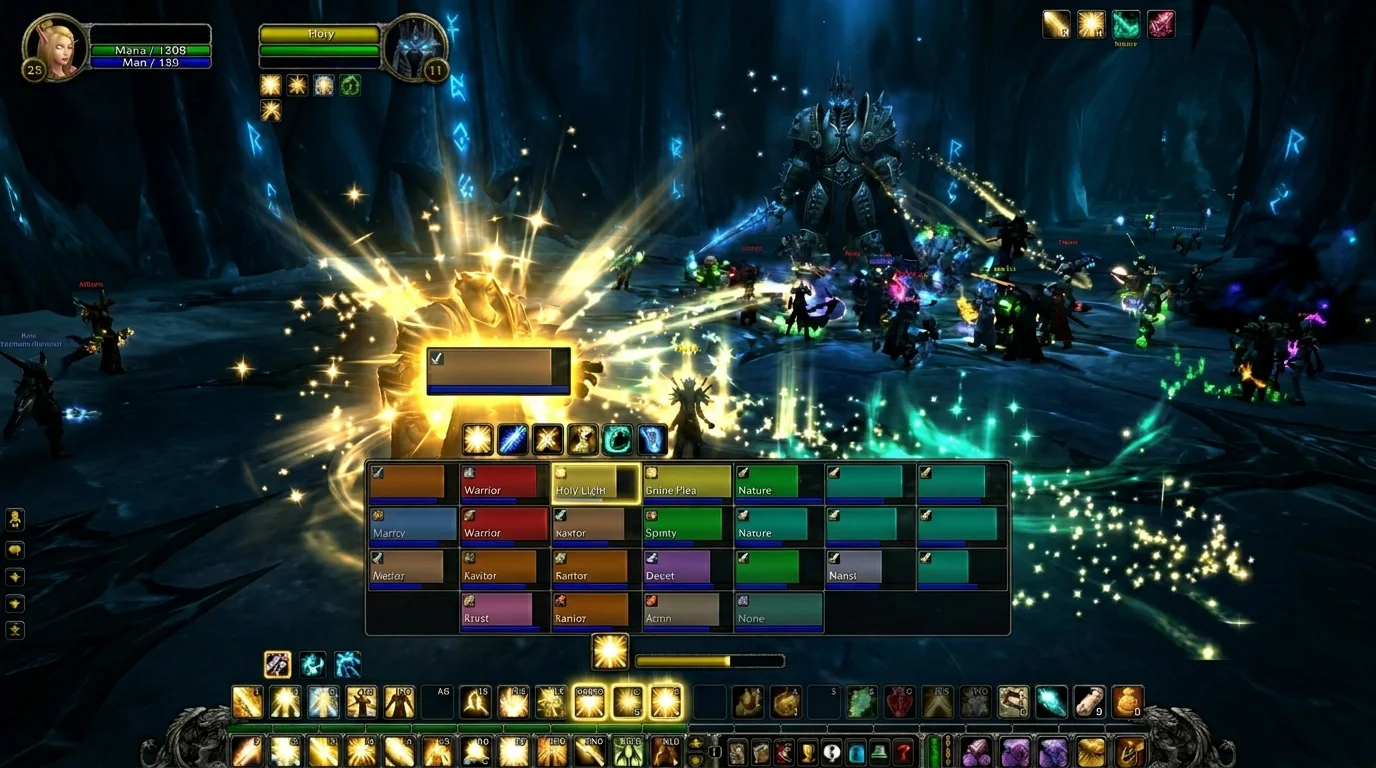
Macros for Healer in WotLK: practical setup to heal with more control
The biggest healer bottleneck in WotLK
Most healers don't lose runs due to lack of spells. Loses due to delay in execution.
In 3.3.5a, the delay typically comes from:
- slow target switching
- late dispel
- emergency with locked cast
- interface without clear priority
Macros solve most of this when used for agility and control, not to automate healing.
Rule of thumb for healer macro
A good healer macro should do one of these 3 things:
- reduce target switching
- Shorten emergency reaction
- Reduce repetitive error
If the macro doesn't do any of these, it probably just complicates your bar.
Essential macro kit for healer
1) Main healing mouseover
#showtooltip
/cast [@mouseover,help,nodead][] Flash Heal
Switch to your class's main heal.
2) Instant healing mouseover
#showtooltip
/cast [@mouseover,help,nodead][] Renew
Excellent for stabilizing spread damage without changing targets.
3) Dispel mouseover
#showtooltip
/cast [@mouseover,help,nodead][] Dispel Magic
Quick dispel decides pull and lots of boss attempts.
4) Personal self-defense
#showtooltip
/cast [@player] Power Word: Shield
When the fight ends, the self-protection macro prevents missed clicks.
5) Emergency with stopcasting
#showtooltip Nature's Swiftness
/stopcasting
/cast Nature's Swiftness
/cast Healing Touch
Use with discretion.stopcastingmisused reduces throughput.
Macros with focus for healer
Focus for healer is great when you need to keep an eye on a fixed target (usually tank or mechanic target).
Set focus on mouseover
/focus [@mouseover,help,nodead][]
Utility in focus
#showtooltip
/cast [@focus,help,nodead][] Hand of Sacrifice
This structure helps a lot in fights with a recurring priority target.
Recommended organization of binds
Without organized keybind, macro does not save execution.
Simple suggestion:
- main row: most used cures
- second line: dispel, defensive and cooldown
- comfortable emergency key with
stopcasting - mouseover always on quick reaction buttons
If you need to look for a button in the middle of the fight, the problem is still layout, not macro.
Common macro healer errors
1) Macro for everything
Not every skill needs a macro. Excessive macros create noise and increase the chance of error.
2) Mouseover without fallback
If there is no mouse target and the macro has no fallback, it fails at the worst moment.
3) Stopcasting on wrong spell
Canceling cast all the time to react may seem quick, but it destroys healing consistency.
4) Do not test on light content
Every new macro needs validation in an easy dungeon or training before a serious raid.
3-step tuning plan
Step 1: Reduce target switching
Just implement:
- healing mouseover
- dispel mouseover
Step 2: improve emergence
Add:
- self-protection
- a well-defined stopcasting macro
Step 3: Advanced Focus
Add:
- set/clear focus
- utility in focus
When you take steps, you avoid breaking your execution all at once.
Final checklist for healer
Before getting into serious content:
- can I heal and dispel without changing targets?
- do my macros have security conditions?
- is my emergency macro in comfortable bind?
- is there a redundant macro in the bar?
- did I test everything in a controlled environment?
If the answer is yes, your setup is ready to deliver more reaction with less chaos.
Posts Recomendados
Keybinding: how to configure your shortcuts to play better
Good rotation on paper isn't much use if your shortcuts slow you down. A well-mounted keybind improves reaction, comfort and consistency in WotLK.
Mouseover and focus macros in WotLK: save time without losing control
Mouseover and focus reduce target switching, speed up reaction and make your execution cleaner in PvE and PvP. Learn how to configure without getting confused.
Essential Macros Every WotLK Player Should Have
Essential macros don't play for you, but they cut errors, speed up reactions and clean up your interface. See the most useful ones for any WotLK player.
How to create macros in WotLK the right way (without breaking your rotation)
Creating WotLK macros the right way simplifies execution; bad macros mess up targets, lock priorities and break your rotation. Learn the logic first.