
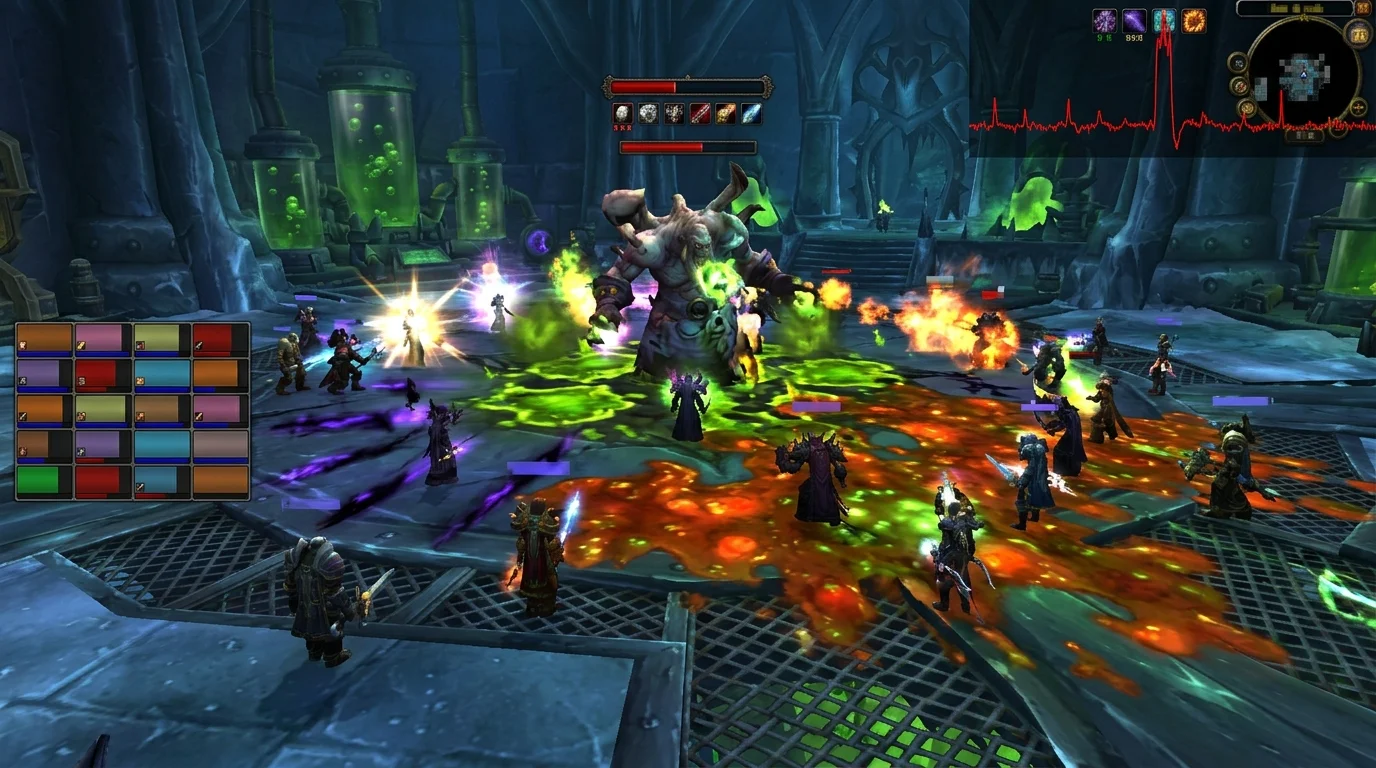
What is stutter in practice
Stutter is not just continuous low FPS. It's that short, irregular brake that breaks your timing at the worst moment.
In raid 25, this usually happens due to load spikes in:
- big pull with simultaneous cooldowns
- phase with intense particles
- mechanics transitions
- addon logs/overlays updating together
Quick diagnosis: graphical, addon or network?
Use this filter:
If the image stutters but commands respond
Graphic bottleneck trend or addon.
If command delays along with player "teleportation"
Network/latency bias.
It gets worse when you open the addon window
Heavy UI trend.
This first cut avoids wasting time on the wrong path.
Adjustments that reduce stutter the most in raid 25
1) Reduce effects and shadows
In a large raid, this adjustment usually has an immediate impact.
2) Simplify combat addons
Leave only what is necessary during progression.
3) Limit simultaneous overlays
Having boss mod, meter and several heavy trackers at the same time increases peak load.
4) Avoid multitasking on the system
Parallel programs can worsen stutter at peak times.
Test plan in 3 pulls
- pull 1 with current setup
- pull 2 with minimal graphical adjustments
- pull 3 with heavy addons cleanup
Compare feeling of fluidity and consistency of reaction.
The goal is not pretty benchmarks; It is stable running during critical mechanics.
Common errors that keep the problem
1) Adjust only on the dummy
Dummy does not replicate raid 25 chaos.
2) Confusing lag with stutter
Without separating the cause, the adjustment is wrong.
3) Change everything at once
You lose traceability.
4) Ignore gameplay logs
If the crash happens repeatedly, the pattern helps with the diagnosis.
Pre-raid checklist 25 without stutter
- revised shadows and effects
- essential addons only
- UI without redundant modules
- stable network during raid hours
- test carried out in a real group scenario
This makes your raid more predictable and its execution cleaner, even in heavy content.
Posts Recomendados
High latency in WotLK: complete checklist to reduce lag
High ping and intermittent lag ruin dungeons, raids and arenas. Use this checklist to separate network, client and route issues and cut latency.
Addons that hurt FPS the most in WotLK (and how to tweak them without losing utility)
Not every add-on weighs the same. See which types often take down FPS in WotLK and how to maintain UI utility without sacrificing combat performance.
How to save and restore your interface without a headache in WotLK
Saving and restoring your interface spares you hours of lost addon setup after an update or new PC. See which files to keep and how to restore safely.
The most common graphics configuration errors in WotLK 3.3.5a
Lag and stutter in WotLK almost always come from poorly tuned graphics settings, not a weak PC. See the most common mistakes and how to fix each one.