
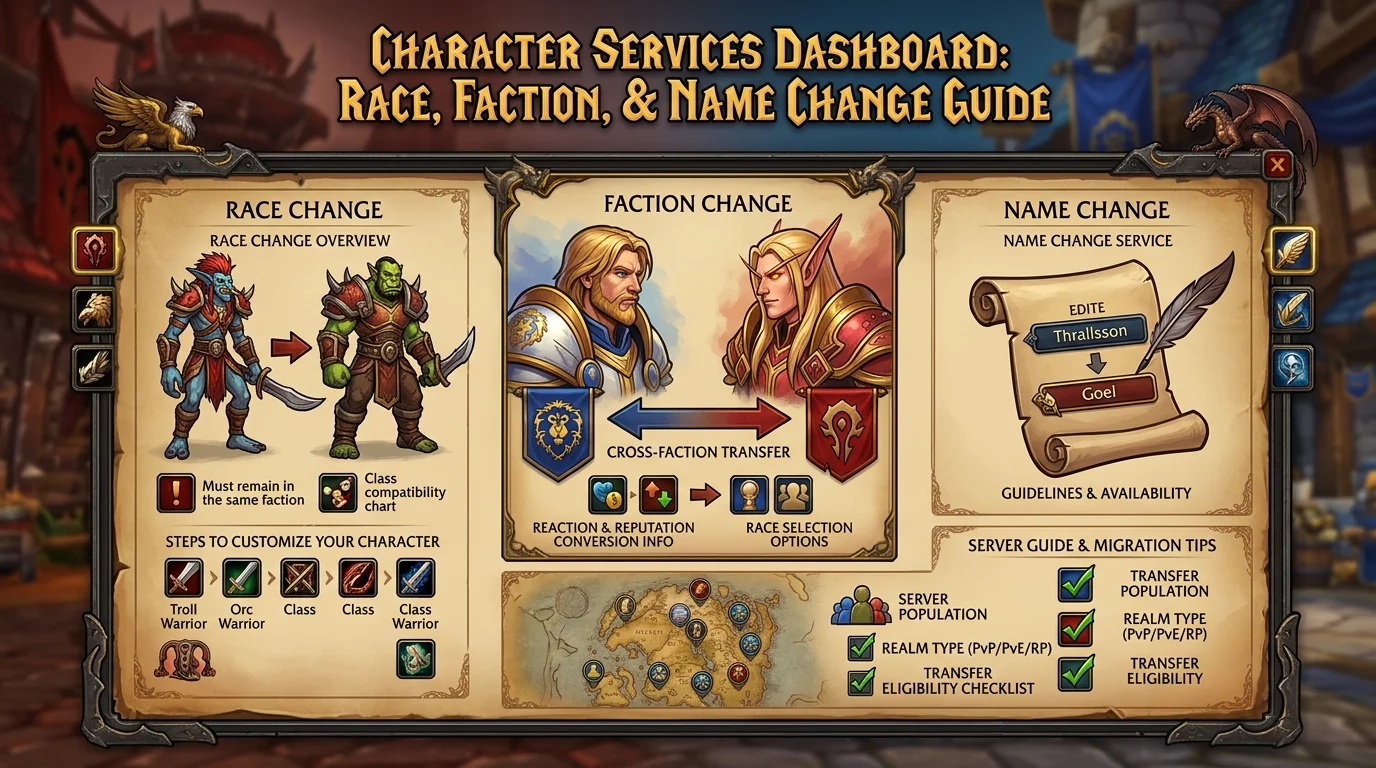
Instant character services: change race, faction and name in seconds
What's available
The Azeroth Legacy Dashboard centralizes character change services that previously required contact with a GM or specific commands. All of the services below are performed by the panel without the need to open a ticket:
- Race change — changes the race within the same faction
- Faction Switch — moves the character between Horde and Alliance, converting race, reputations and some faction-specific items
- Name Change — change character name with real-time availability check
Beta: All character services are free during the beta period. After the official launch, they will become exclusive to VIP players.
What services are available and for whom
During the beta, any player with an active Azeroth Legacy account can access all three services via the Dashboard. There is no documented minimum level restriction, but the character must be offline at the time of the request.
Services available by account type:
| Service | Beta (all) | Post-launch | |---|---|---| | Race change | Free | VIP | | Faction switch | Free | VIP | | Name change | Free | VIP |
Step-by-step usage flow on the Dashboard
1. Exit the game with the character to be changed
The character must be offline. Active session during change may cause data conflict or revert the change.
2. Access the Dashboard and go to the services area
In the main menu of the panel, locate the character or services management section. The three services appear as separate options.
3. Select the correct character
If your account has multiple characters, make sure you're selecting the right one before moving forward. Changes to the wrong character are not automatically reversed.
4. Choose the service and configure the change
- Race: select the new race within the current faction. The system only displays options compatible with the character's faction.
- Faction: confirm the destination faction. The system automatically converts the race to an equivalent one — you can choose from those available in the target faction.
- Name: enter the new name and wait for the availability check. Names already in use or blocked appear as unavailable in real time.
5. Review and confirm
Before committing, the Dashboard displays a summary of the change. Read carefully — after confirming, the service is processed immediately.
6. Wait for processing and relog
Most services process within seconds. After confirmation on the screen, relog the character to see the change applied.
Scenarios in which each service makes more sense
Race change
When it makes more sense:
- Switch to a race with a more efficient racial for the spec or content you play most
- Align the character's appearance with a different visual identity
- Take advantage of the beta to test a race before confirming it at launch
Practical examples:
- Warrior tank switching to Draenei for the passive hit racial in PvE
- Rogue switching to Undead for Will of the Forsaken in PvP
- Shaman changing race within the Horde due to aesthetic preference
Faction switch
When it makes more sense:
- You want to play with a specific group that is on the opposite faction
- The guild you want to join is from the opposite faction
- Want to access quests, reputations or faction content that was previously unavailable
- Faction balance on the server favors one side for PvP
What changes in the exchange:
- Race converts to equivalent in new faction
- Faction reputations convert or reset depending on the server rule
- Faction mounts (horses, wolves) convert to equivalent
- Faction specific quest items can be removed
Name change
When it makes more sense:
- Current name was registered hastily and no longer represents the character
- Name conflicts with server policy
- Character rebranding along with race or faction switching
Common errors when requesting changes
1. Online character during request
The service may not apply or roll back if the client still has the character loaded. Always close the game completely before using the Dashboard.
2. Not checking reputations before changing factions
Some reputations don't convert — they fade to zero. If you were close to an important threshold (exalted to mount, for example), check before committing.
3. Name already in use not verified before leaving the game
The Dashboard checks availability in real time, but if you had a name in mind and it's not available, you'll need to decide on the spot. Having two or three options planned avoids getting stuck in the decision.
4. Race incompatible with the chosen spec
Some racials have direct synergy with certain specs. Changing races without checking the impact on your skill kit may result in the loss of useful racials for your playstyle.
5. Ignored Faction Quest Items
If you have active faction-specific quest items in your inventory, they can be removed when trading. Check the quest log and discard or complete pending quests before switching factions.
Pre-request checklist to avoid rework
Before changing breed
- [ ] Did you research the new race and its impact on your spec?
- [ ] Character offline before accessing the Dashboard?
- [ ] No items or critical buffs that expire while out of the game?
Before faction change
- [ ] Did you check which reputations will be reset or converted?
- [ ] Active faction quests discarded or completed?
- [ ] Have you confirmed the target race available in the new faction?
- [ ] Target group or guild confirmed in the new faction?
Before name change
- [ ] Do you have 2-3 name options ready in case the first one is occupied?
- [ ] Did you check if the desired name follows the server rules?
After any service
- [ ] Did you relog and confirm the change applied correctly?
- [ ] Revised action bars and macros if race changed racial abilities?
- [ ] Guild notified if name changed?
Posts Recomendados
Save gold with free Dashboard services: talent reset and quick adjustments
Save gold with the Dashboard: talent resets, spec adjustments and other paid services are free during the beta. See how to use this for your progression.
Unstuck button on mobile: how to free your character without an in-game ticket
Unstuck button on mobile: a character stuck in geometry, abysses or unreachable zones gets out via the Dashboard, no ticket or GM. See how and when.
Hit level 80: what to do in your first days in the endgame
Reaching level 80 is just the start. Your first endgame days set your progression pace for weeks. This checklist covers everything in priority order.
The Azeroth Legacy Digital Wallet: How to Manage Balance and History in Dashboard
The Azeroth Legacy digital wallet gathers your balance, statement and transaction history in the Dashboard. See how to read it and control your resources.